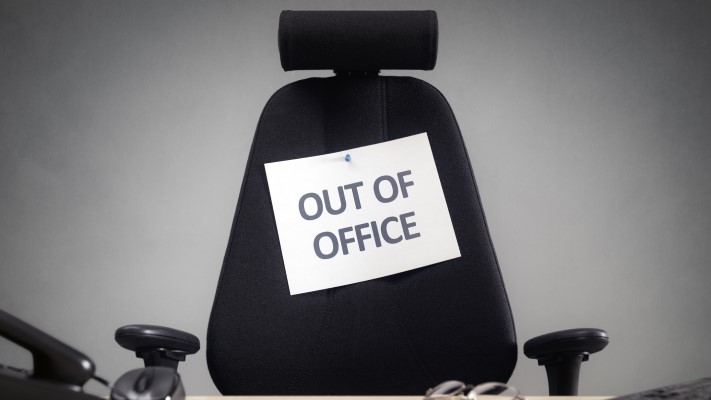
Letting your co-workers know when you will be out of the office is an invaluable courtesy; one that should never be overlooked. Whether for vacation, sick time, a conference or other work-related travel, letting folks know where you are and when you will return is important. Memories are short and scheduling a meeting only to find out that you are out of the office is very annoying. Below are a few tips that will open communication between you, your team and your clients.
- Keep your Outlook calendar up to date.
Simple to do, but surprising how often this is overlooked. Your coworkers rely on your calendar to schedule appointments and keep projects moving forward.
- Send an “out of office” appointment to your immediate team
While you wish to let your team know you will be out of the office, because of the defaults preset in Office calendars, take the time to do these “extras” when creating this message:
- Turn off the automatic reminder (nothing like being woken in the middle of the night to a reminder that your coworker is on vacation).
- Make sure you mark the time as “Free”. Otherwise, you begin to block your coworkers’ calendar with your out of office appointment.
- Send only to your immediate team and manager, those that need to know you are out. An out of office email message will communicate to others in the office.
- Create an Automatic Out of Office Reply, keeping in mind that you can customize for internal and external emails. There are 3 pieces of information that should be included in the automatic reply. Primarily, it will state that you are out of the office, second when you return and finally who to contact if the message is important.
Email Example:
[Your Greeting] Thank you for your email. I am out of the office, returning on (Day of Return). During this time, I will have limited access to email.
For immediate assistance please contact (Contact Person) at (Contact’s Email Address). Otherwise I will respond to your emails as soon as possible after my return.
Regards,
[Your Name]
Alternate Email Example:
[Your Greeting] Thank you for your email. I’m out of the office and will be back at (Date of Return). During this period, I will have limited access to my email.
For immediate assistance please contact me on my cell phone at (your cell phone number).
Best Regards,
[Your Name]
You can schedule your out of office automatic message, to begin the day you leave, automatically turning off when you return.
- Equally, if not more important is the out of office voicemail message. Your voicemail should be similar and consistent with your automatic email reply.
Voicemail Example:
Hello,
You’ve reached the desk of [Your Name, Title]. Please listen to this entire message.
I will be out of the office until (Date of Return). If you require immediate assistance, please call my (Contact Name) at (Contact Phone Number). Otherwise, please leave your message at the tone and I look forward to speaking with you when I return. Thanks.
Remember to turn off this voicemail upon your return or your out of office message will continue to play.
It is critical that this type of messaging be followed to alert both clients and colleagues that you are not readily available and are unable to respond immediately. Otherwise, you may risk frustrating both customer and coworker. All communication is important and should be addressed in a professional manner.